

What this verification route checks
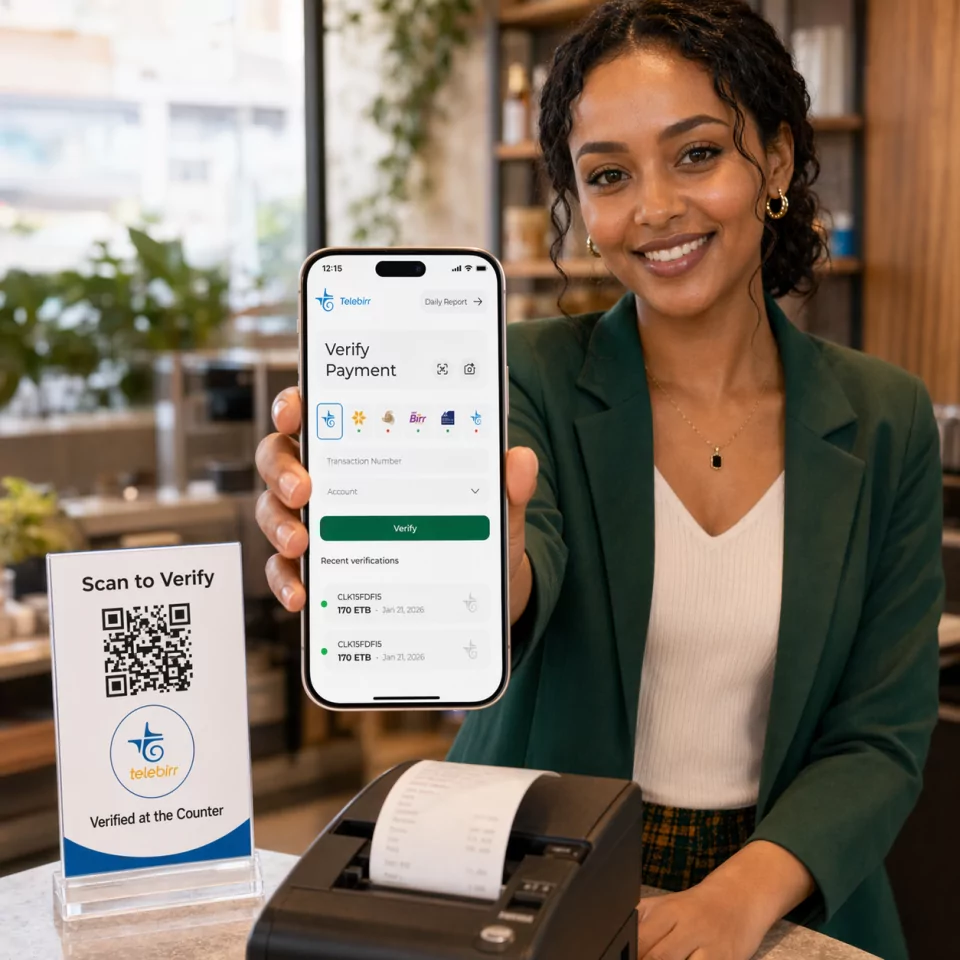
Verify.ET uses the submitted Telebirr receipt details to start a traceable verification request. The result popup shows the request status, receipt details, and repeat confirmation signals after the first run.
Bank Verification Guide
Check a Telebirr receipt online by entering the transaction number from the SuperApp receipt, the receipt link, or the SMS. You do not need an account to run the check. Use it when someone sends a Telebirr screenshot, PDF, or receipt link and you need to know the payment really completed.
Check a Telebirr receipt online for free: confirm the amount, sender, receiver, and status from the transaction number.
Who this route is for
E-commerce sellers, retail cashiers, delivery riders, and support agents who collect Telebirr payments and need a faster check than opening provider pages for every order.
Required Fields
Step-by-step
Need the SWIFT code instead? View Telebirr SWIFT / BIC details.
Comparing tools? See Verify.ET vs manual checks, gateways, and open-source scripts.
Verify.ET uses the submitted Telebirr receipt details to start a traceable verification request. The result popup shows the request status, receipt details, and repeat confirmation signals after the first run.
A successful Telebirr check returns structured verification status plus available receipt fields such as amount, parties, reference, and timestamps when the provider data is available. Pending means the job is still processing; not found or failed means the details did not resolve to a usable receipt—re-check typing, suffixes, and provider status before releasing goods.
Truncated IDs from cropped screenshots fail. Ask the customer for the full transaction number from SMS or Telebirr history.
A CBE transfer slip is not a Telebirr transaction number. Use /verify/cbe for bank transfers and /verify/telebirr for wallet receipts.
Old successful receipts get re-sent for new orders. Verification history and amount/receiver checks help catch reuse.
Enter the transaction number from the Telebirr receipt or SMS on this page and submit. Verify.ET returns the status, amount, and parties for that payment. No account is needed for the check.
In the Telebirr SuperApp, open the transaction in your history and use the share or download option to save the receipt. The confirmation SMS also includes a receipt link. Both show the transaction number you can check here.
It is a short code of capital letters and digits, usually 10 characters, often starting with letters such as DET, CHQ, or DAB. It appears on the receipt, in the SMS, and at the end of the receipt link.
Yes. The transaction number is the last part of the Telebirr receipt link. Copy that code into the form, or paste the full SMS on the Verify.ET homepage to detect it automatically.
Screenshots and PDFs can be edited, and old receipts get re-sent for new orders. Check the transaction number here and compare the returned amount, receiver, and date with the order instead of trusting the image.
Not by itself. A PDF is a file someone can change. The payment is confirmed only when the transaction number checks out as completed with the expected amount and receiver.
No. The Telebirr check only needs the transaction number from the wallet receipt.
No. Verify.ET is an independent verification platform that helps businesses confirm Telebirr payment evidence operationally.

