

What this verification route checks
Verify.ET uses the submitted CBE receipt details to start a traceable verification request. The result popup shows the request status, receipt details, and repeat confirmation signals after the first run.
Bank Verification Guide
Verify Commercial Bank of Ethiopia transactions online by pasting the Receipt ID from the mobile banking receipt. The Receipt ID replaces the older transfer reference and does not need an account suffix. Verify.ET turns that receipt into a traceable verification request for counters, delivery teams, finance ops, and developers.
CBE transfer reference verification for merchants, finance teams, and support desks.
Who this route is for
Merchants, shop staff, delivery agents, finance teams, and support desks that receive CBE transfer screenshots or printed receipts and must confirm payment before fulfillment.
Required Fields
Step-by-step
Need the SWIFT code instead? View CBE SWIFT / BIC details.
Comparing tools? See Verify.ET vs manual checks, gateways, and open-source scripts.
Verify.ET uses the submitted CBE receipt details to start a traceable verification request. The result popup shows the request status, receipt details, and repeat confirmation signals after the first run.
A successful CBE check returns structured verification status plus available receipt fields such as amount, parties, reference, and timestamps when the provider data is available. Pending means the job is still processing; not found or failed means the details did not resolve to a usable receipt—re-check typing, suffixes, and provider status before releasing goods.
New CBE receipts use the Receipt ID alone. An older FT reference still needs the last 8 digits of the account. Mixing the two, or sending a suffix with a Receipt ID, is a common miss.
A photo of a receipt is not proof by itself. Always re-enter the Receipt ID into the checker instead of trusting only the image.
If CBE upstream data is slow or unavailable, the request may stay pending longer. Check /status/cbe and retry with the same reference rather than releasing on a screenshot alone.
Open the CBE verification route, paste the Receipt ID or the mbreciept.cbe.com.et link, and submit. No account suffix is required.
The Receipt ID is enough. It is sent as the reference and does not need a suffix. Older receipts that only show an FT reference still need that reference plus the 8-digit account suffix.
It is on the CBE mobile banking receipt and in the receipt link, https://mbreciept.cbe.com.et/ followed by the Receipt ID. Use that value in place of the older reference number.
The CBE mobile banking app lets the sender share or download the receipt as a PDF from the transaction details screen. The PDF shows the Receipt ID. Paste that Receipt ID here to confirm the payment completed. A PDF on its own can be edited, so check the Receipt ID before releasing goods.
No. Verify.ET is an independent receipt checker. The official CBE receipt page is mbreciept.cbe.com.et. You can paste either the Receipt ID or that full link here, and Verify.ET confirms the receipt for you.
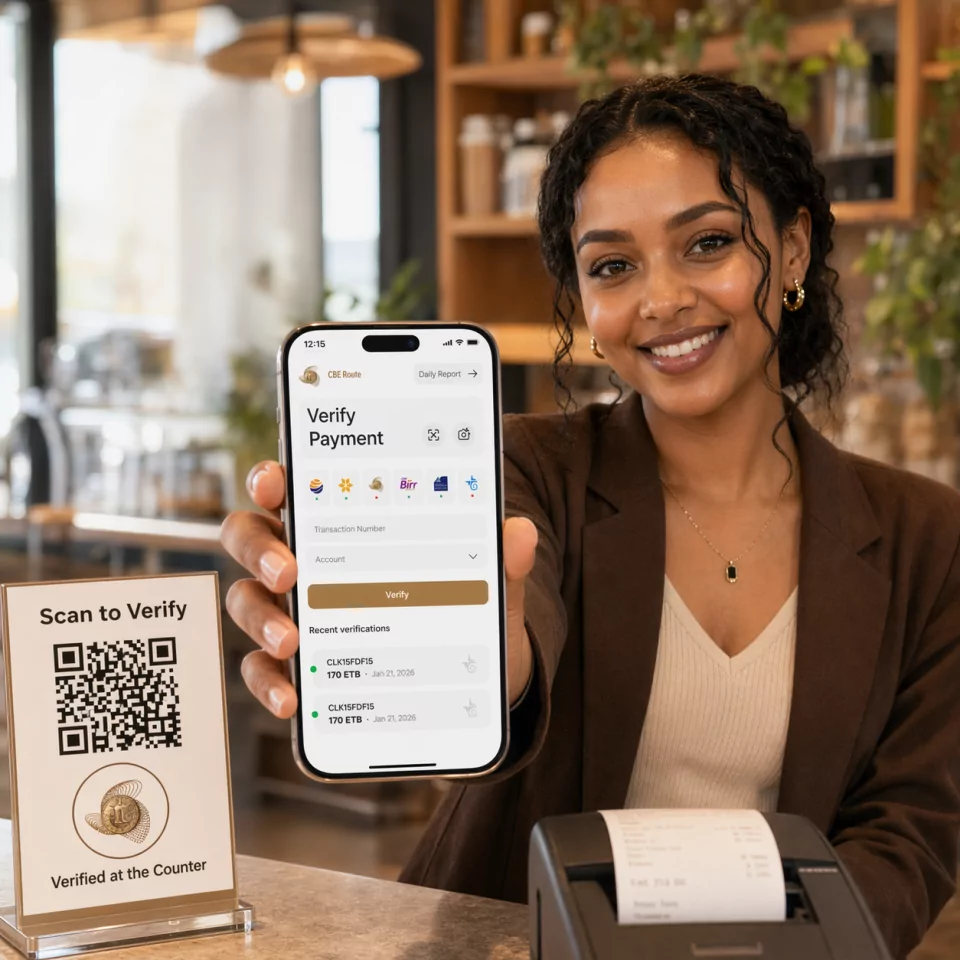
Yes. The Verify.ET mobile app supports receipt scanning and manual reference entry so counters and delivery teams can check CBE payments without a desktop.
No. Verify.ET only verifies submitted CBE receipt details. Funds stay in the bank settlement path the customer already used.

